
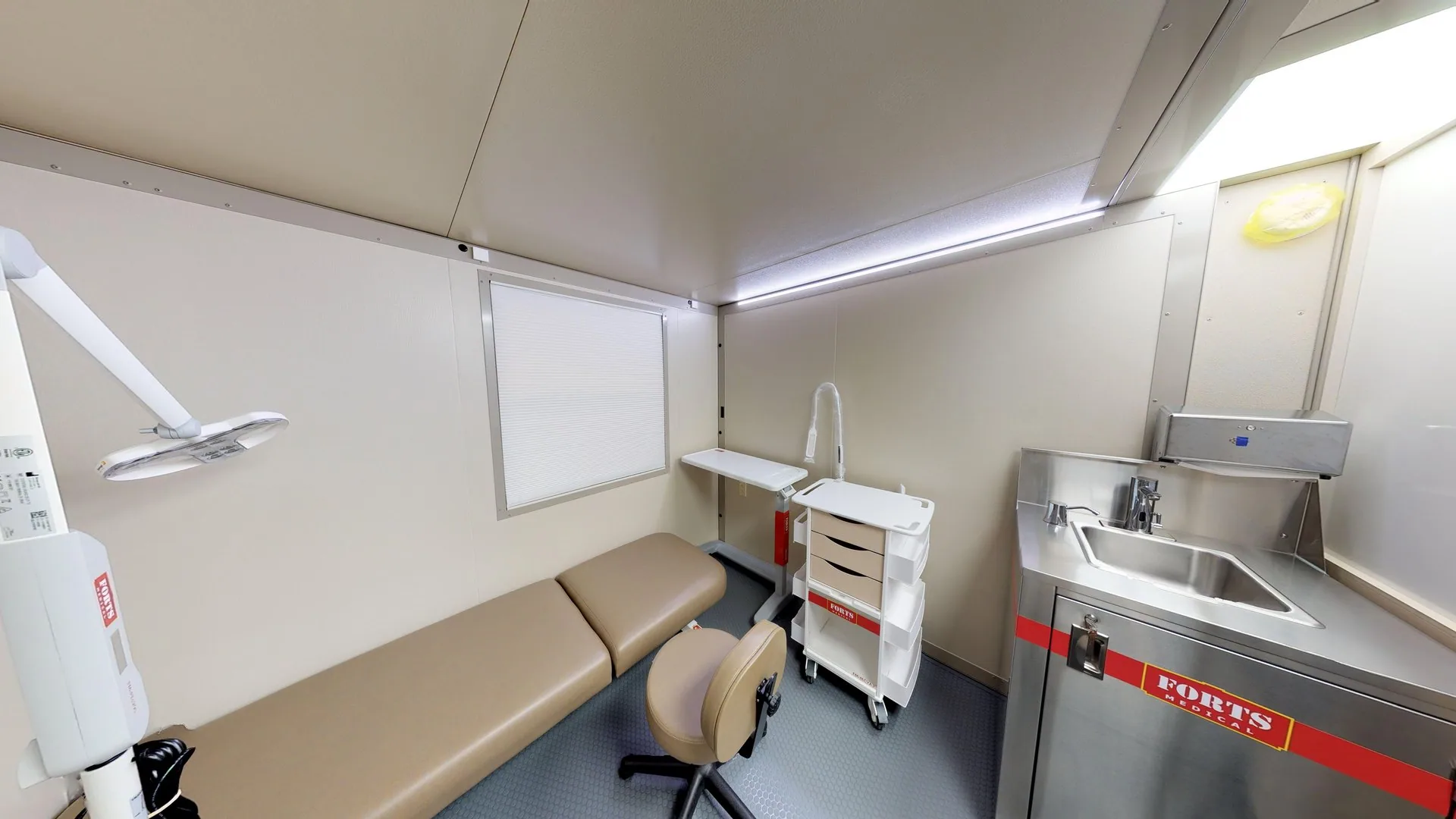
Define the Functions That Need to Move
Begin with a room-by-room list of the functions affected by the work. Some projects need temporary consultation or examination rooms; others need staff space, administration or patient-support areas. Moving a support function may free space within the main building, so consider the whole continuity plan.
FORTS provides hard-walled, climate-controlled configurations that can be arranged as individual rooms or connected facilities. The clinical and facilities teams define the intended service and its requirements before a particular room layout or equipment package is selected.
Map the Working Day
Describe how patients, staff, supplies and equipment will move through the temporary facility and back to the main campus. Use the operating schedule and expected users to identify the rooms and routes that need to connect.
| Planning area | Include in the room brief |
|---|---|
| Patient arrival & access | Arrival route, reception, waiting and access needs. |
| Consultation & examination | Clinical function, privacy, equipment, furniture and staff work area. |
| Staff & administration | Work positions, communications, storage and break space. |
| Supplies & servicing | Equipment deliveries, replenishment, cleaning and removal routes. |
Define the Systems Around the Rooms
List power loads, communications, water and wastewater services for the proposed functions. Specialist requirements such as medical gases, imaging shielding, pressure control or filtration need to be identified explicitly rather than assumed from a building photograph or a previous deployment.
Your clinical and facilities teams establish operating requirements and the applicable review and approval process. The project scope should identify the enclosure, equipment and services supplied by FORTS and those supplied by the healthcare organization or another contractor. Structural assembly, equipment installation and clinical readiness are distinct steps in the schedule.
Prepare a Continuity Brief
Share the renovation phases and the required operating period, including any overlap for moving between spaces. Site photographs, a campus sketch and an equipment list are useful starting materials. A finished floor plan is not needed for an initial rental discussion.
- Functions and rooms displaced, expected users and operating hours.
- Equipment dimensions, utility needs and clinical requirements already identified.
- Location, delivery and patient access, and available site services.
- Required-ready date, rental duration, project phases and responsible teams.